Common symptoms
- slow PC with many tabs
- apps stop responding
- disk at 100% at the same time
- insufficient memory message
- game closes
Possible causes
The same symptom can have several origins. The most common causes are:
- browser with too many tabs
- heavy apps at startup
- insufficient RAM
- memory leak in software
- virtual memory heavily used
- malware or suspicious process
Why not ignore this issue?
An issue that seems tolerable today can become more disruptive over time: wasted time, less protected data, weaker security, or a failure at the wrong moment.
- app crashes
- blue screens
- PC unusable with few apps
- unknown very hungry process
What you can check without taking risks
- close unnecessary tabs
- restart the browser
- identify apps launched at startup
- avoid killing random system processes
- note open software when it slows down
Before heavy system changes, back up your important files. PowerIX prioritizes diagnostics and user-approved actions.
Signals that should prompt a quick response
- app crashes
- blue screens
- PC unusable with few apps
- unknown very hungry process
How PowerIX @ Home helps diagnose
PowerIX @ Home measures performance signals and links RAM to other possible causes: disk, startup, services, and security.
See the related PowerIX diagnostic: PC performance diagnostic: CPU, RAM, and slowdowns →
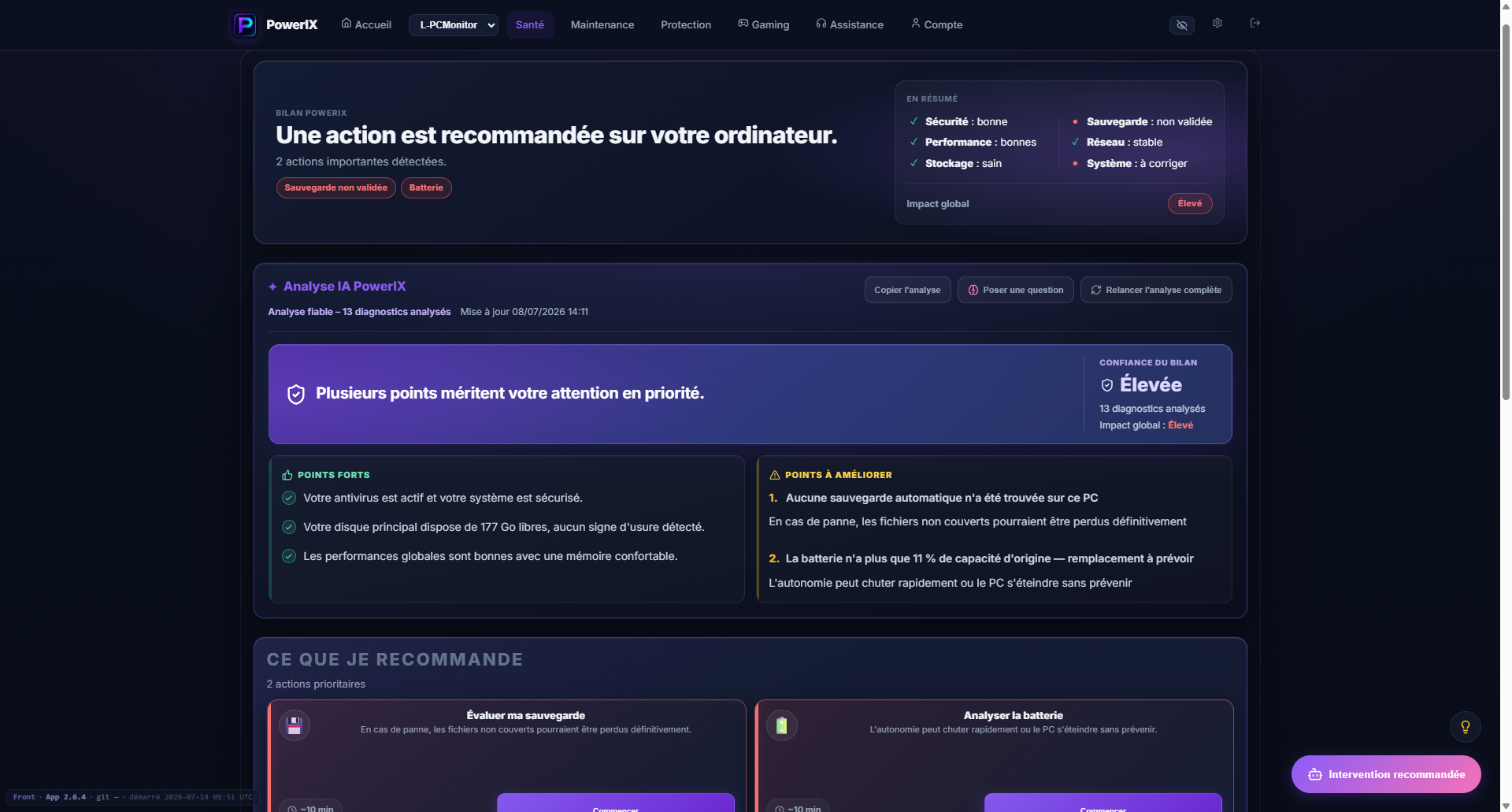
PowerIX diagnostic example
After signup, PowerIX shows your PC status, items to watch, and priority actions in plain language.
- PC health score;
- important issues highlighted;
- AI summary to understand what to do.

More than 20 years of experience in IT, operations, monitoring, and user support. Creator of PowerIX @ Home.
Frequently asked questions
Is adding RAM always enough?
No. If software leaks, disk is full, or too many programs start, adding RAM does not fix everything.
Why does disk also hit 100%?
When RAM runs out, Windows uses the disk more as virtual memory, which can cause major slowdowns.