Common symptoms
- unknown software
- browser toolbars
- games downloaded outside known platforms
- antivirus disabled
- PC became slow
Possible causes
The same symptom can have several origins. The most common causes are:
- doubtful downloads
- fake mods
- browser extensions
- permanent admin rights
- ignored updates
- weak passwords
Why not ignore this issue?
An issue that seems tolerable today can become more disruptive over time: wasted time, less protected data, weaker security, or a failure at the wrong moment.
- payments or accounts compromised
- antivirus turned off
- ransom messages
- software impossible to remove
What you can check without taking risks
- check installed software
- monitor antivirus
- update Windows
- remove admin rights if possible
- explain fake download buttons
Before heavy system changes, back up your important files. PowerIX prioritizes diagnostics and user-approved actions.
Signals that should prompt a quick response
- payments or accounts compromised
- antivirus turned off
- ransom messages
- software impossible to remove
How PowerIX @ Home helps diagnose
PowerIX @ Home helps track security, software, updates, and overall state of a family PC from one dashboard.
See the related PowerIX diagnostic: Windows security diagnostic: firewall, updates, protection →
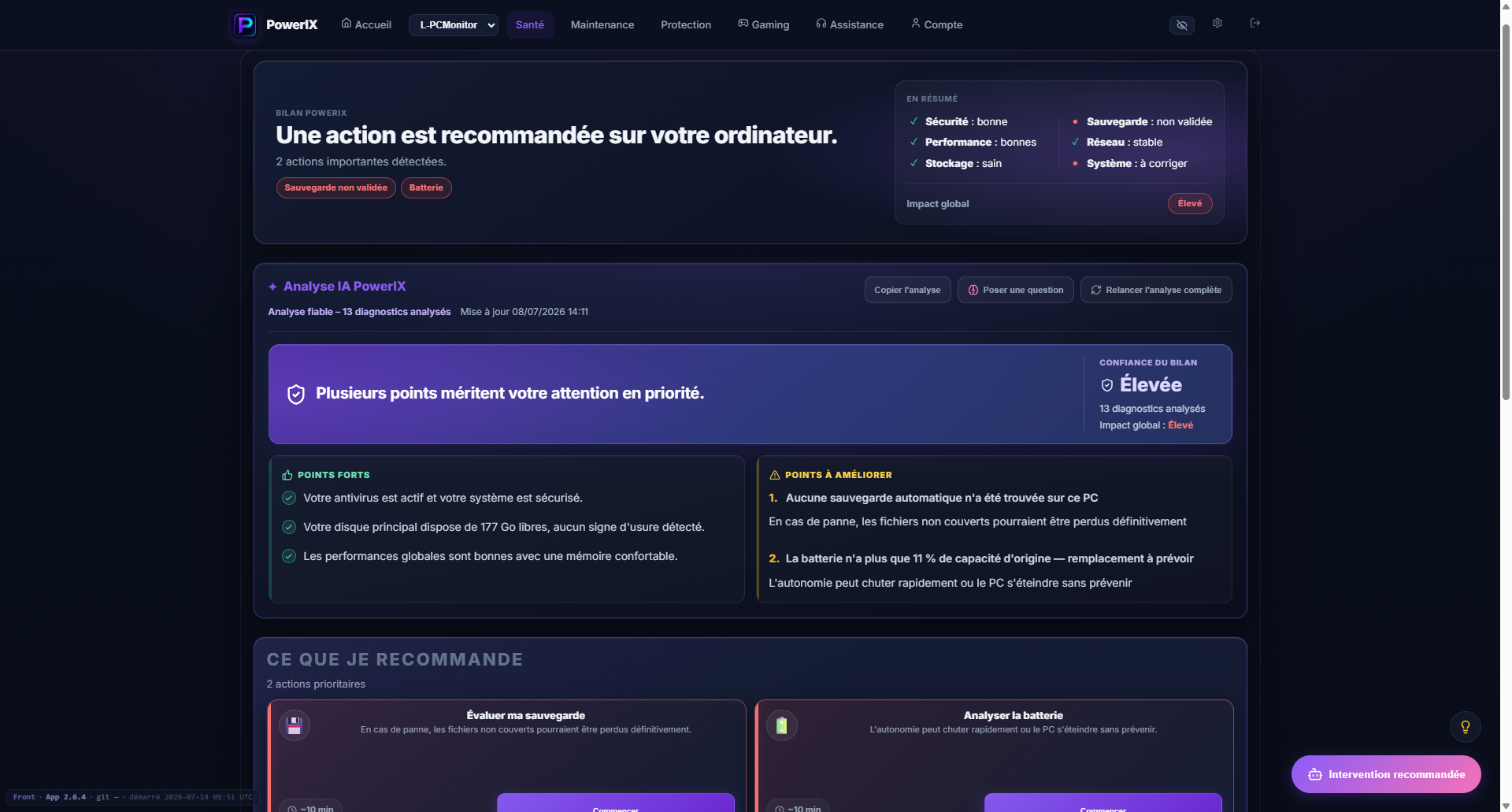
PowerIX diagnostic example
After signup, PowerIX shows your PC status, items to watch, and priority actions in plain language.
- PC health score;
- important issues highlighted;
- AI summary to understand what to do.

More than 20 years of experience in IT, operations, monitoring, and user support. Creator of PowerIX @ Home.
Frequently asked questions
How do I secure a child's PC?
Combine non-admin account, updates, active antivirus, simple explanations, and monitoring of installed software.
Why is my child's PC getting slow?
Games, launchers, mods, extensions, and adware can quickly load startup and consume resources.